

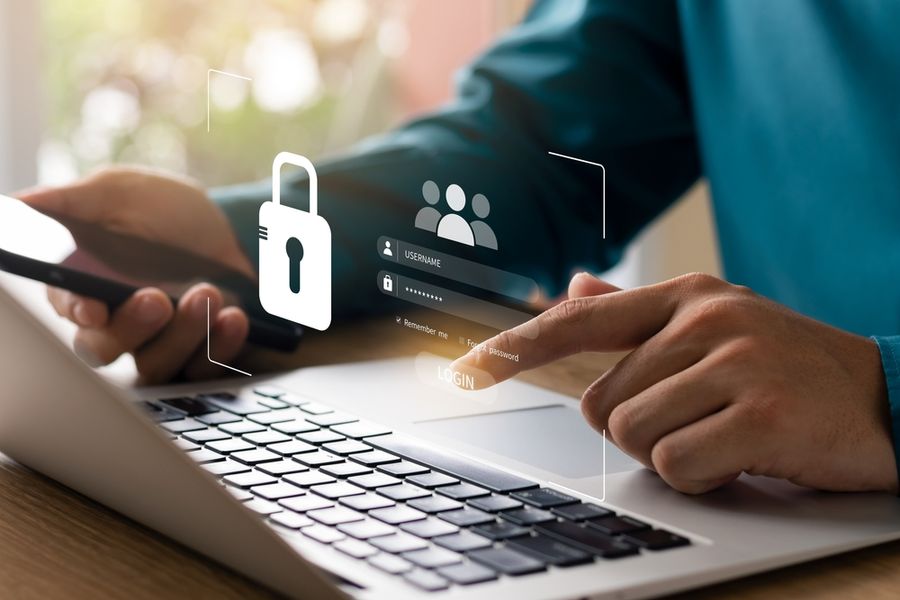
Everyday activities like shopping, banking, and connecting with others rely heavily on digital tools. Personal information is shared more often than many people realize, sometimes without a second thought. Small habits can make a big difference when it comes to staying safe online. Protecting sensitive data doesn't require advanced technical knowledge. Simple, consistent actions can help reduce risk and create a safer digital experience without adding stress or complexity.
Use Strong Passwords and Keep Them Unique
Passwords act as the first line of defense for nearly every online account. Weak or repeated passwords make it much easier for hackers to gain access to personal information. Creating longer passwords with a mix of letters, numbers, and symbols adds an important layer of protection.
Using a different password for each account is equally important. While it may feel inconvenient at first, it prevents one compromised account from exposing everything else. Password managers can help store and organize login details securely, making it easier to maintain strong habits without needing to remember every combination.
Turn On Two-Factor Authentication Whenever Possible
Two-factor authentication adds an extra step during login, often requiring a code sent to a phone or app. Even if a password is stolen, access is blocked without that second verification step. It is one of the simplest ways to strengthen account security.
Many major platforms now offer two-factor authentication as a standard feature. Enabling it for email, banking, and social media accounts can significantly reduce the chances of unauthorized access. While it may take a few extra seconds to log in, the added protection is well worth the small effort.
Be Careful With Emails, Links, and Downloads
Cybercriminals often rely on phishing scams to trick people into sharing personal information. Messages may appear to come from trusted companies or contacts, but they often contain subtle warning signs. Suspicious links, urgent language, or unexpected attachments should always raise concern.
Avoid clicking on unfamiliar links or downloading files from unknown sources. Taking a moment to verify the sender or navigate directly to a website can prevent costly mistakes. Staying cautious with digital communication is one of the most effective ways to avoid common online threats.
Limit What You Share and Adjust Privacy Settings
Sharing personal details online can feel harmless, but even small pieces of information can be used to build a larger profile. Being mindful about what is posted on social media or entered into online forms can reduce exposure.
Reviewing privacy settings on accounts allows greater control over who can see personal information. Turning off location tracking, limiting public visibility, and avoiding unnecessary data sharing all help protect identity. Reducing digital footprints makes it harder for unwanted parties to access sensitive information.
Keep Devices and Software Updated
Software updates are more than just new features. They often include important security fixes that protect against known vulnerabilities. Ignoring updates can leave devices open to attacks that could have been prevented.
Turning on automatic updates ensures protection stays current without extra effort. Keeping phones, computers, and apps up to date helps block potential entry points for hackers. Regular updates are one of the easiest ways to maintain strong security with minimal involvement.
Use Secure Connections and Avoid Public Wi-Fi Risks
Public Wi-Fi networks can be convenient, but they are not always secure. Sensitive information shared over open networks can be intercepted more easily by cybercriminals. Logging into accounts or entering payment details on public connections increases risk.
Using a secure, password-protected network whenever possible is a safer choice. When public Wi-Fi is unavoidable, a virtual private network(VPN) can add a layer of protection by encrypting data. Being mindful of where and how connections are used helps keep personal information safe from unwanted access.
Simple Habits That Build Strong Digital Safety
Protecting personal data doesn't require complex tools or technical expertise. Small, consistent actions create a strong foundation for online safety over time. Paying attention to passwords, updates, and sharing habits can prevent many common security issues before they start.
Building awareness and staying cautious with everyday digital behavior helps reduce risk without adding unnecessary stress. With a few simple habits in place, it becomes much easier to navigate the online world with confidence and peace of mind.